Push your latest changes to feature branch on Github.
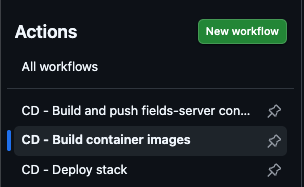
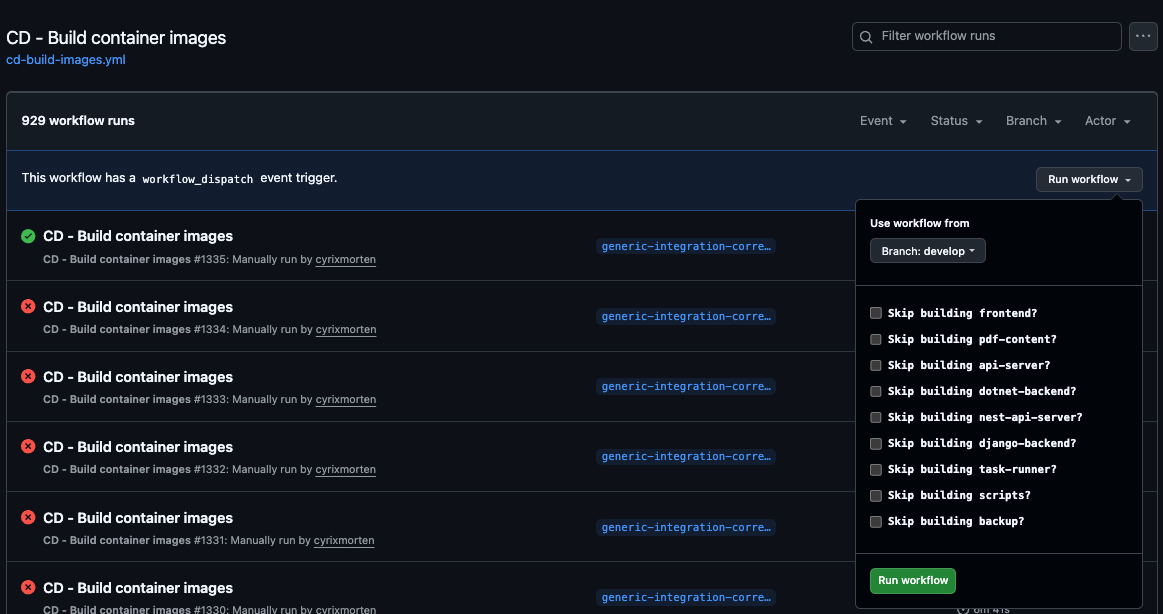
Go to "Actions" select action "CD - Build container images".
Click button "Run workflow" select feature branch and then click on new "Run workflow" button.
Then wait for action to complete.
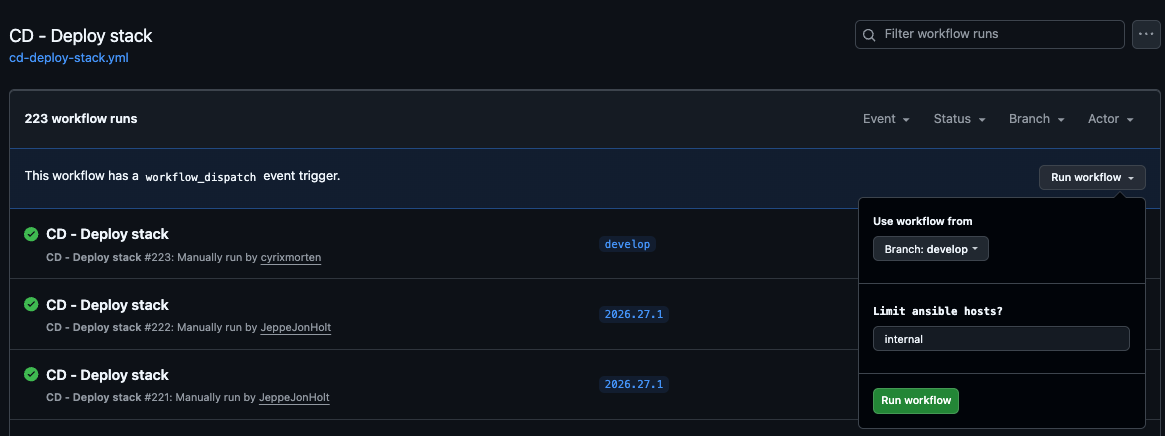
Go to "Actions" select action "CD - Deploy stack".
Click button "Run workflow" select feature branch and in "Limit ansible hosts?" write in full domain name of server to deploy to i.e. "dhl.co.customoffice.dk or "econ.customoffice.dk", It does also take comma separated lists of domain names. Then click on new "Run workflow" button.
Then wait for action to complete - then the server is ready to test.