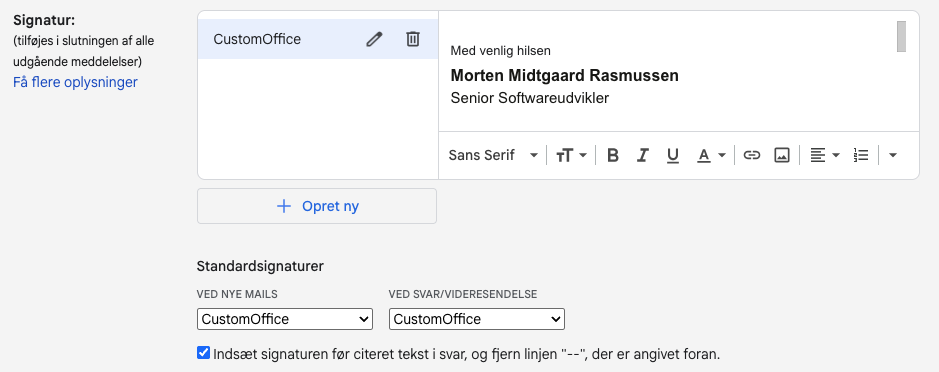
Add e-mail signature
Open the CustomOffice e-mail signature template and update it to contain your name, title and email.
Simply do it directly in the browser in the developer tools (usually accessed by pressing F12).
- Copy you signature by marking the rendered HTML and copy
- Open GMail
- Go to Settings
- Click "Show all settings"
- Scroll to "Signature"
- Create new or update existing
- Paste your signature
- Ensure that the signature is selected in the standard signature options
- Scroll to the bottom and save changes